When 'Cancel by 6 P.M.' Means 9 P.M. at Home

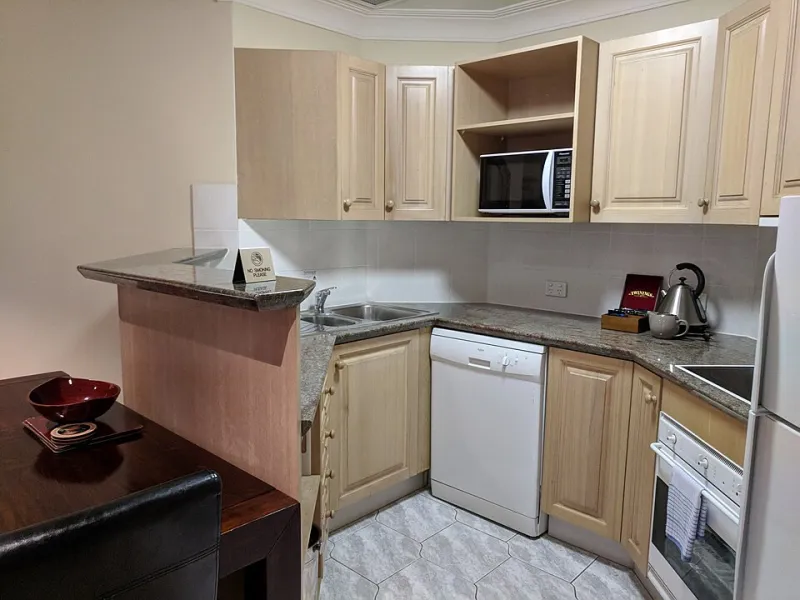
Photo: KMPhotoLA1, CC BY-SA 4.0, via Wikimedia Commons
Here’s a sentence that has quietly cost travelers real money: “Free cancellation until 6 p.m. hotel time on the day before arrival.” It sounds generous. It is also a deadline written in a time zone you probably don’t live in.
If you book a Miami Beach hotel from California, that 6 p.m. Eastern cutoff is 3 p.m. Pacific. Reverse the trip — a New York traveler booking a Seattle hotel — and a 6 p.m. Pacific deadline lands at 9 p.m. Eastern. Miss it by an hour at home and the hotel sees a no-show or a late cancellation. Your “free” cancellation just became a one-night charge.
This is not a trick or a scam. It’s just how hotel contracts work. The property runs on its own local clock, and the deadline is tied to that clock. Your job is to translate it before you book, not after.
Read the Deadline Like a Contract
Start with the exact wording on the booking page and in the confirmation email. Look for phrases like “hotel local time,” “property time,” “destination time,” or a specific clock time such as “6:00 p.m. EST.” If the listing says “48 hours before check-in,” confirm whether that clock starts at check-in time or at midnight. If it says “cancel by [date],” find out whether that means 11:59 p.m. local time or close of business at the front desk.
Do not assume the deadline is in your home time zone just because the booking site displayed your local dates. Many booking engines show the property’s dates and times, but the fine print is where the real cutoff lives. If the wording is fuzzy, call the hotel or the booking site before you pay. Ask a simple question: “What time is the cancellation deadline in the hotel’s local time, and what time is that in my time zone?” Write down the answer.
Do the Time-Zone Math Before You Commit
The United States makes this more interesting than a single conversion. You may be dealing with Eastern, Central, Mountain, Pacific, Alaska, or Hawaii time. Arizona mostly skips daylight saving time. Hawaii does too. Puerto Rico and the U.S. Virgin Islands run on Atlantic time. A deadline that looks comfortable in March can shift by an hour in November when daylight saving ends.
Use a world clock or calendar app that lets you enter the property’s time zone. Don’t do the math in your head while you’re also comparing room rates. A practical rule: convert the deadline to your home time, then subtract a buffer. If the hotel’s cutoff is 6 p.m. local and you’re two time zones away, your home-clock deadline is 4 p.m. Set your personal deadline for noon or 1 p.m. That gives you room for a work meeting, a dead phone, or a booking site that suddenly wants you to log in again.
Weekends and Holidays Are Not Customer-Service Hours
A deadline is only useful if you can actually cancel by then. Online cancellation is usually the safest route because it works at odd hours and leaves a timestamp. But some rates require a phone call, and some property front desks are not staffed like a 24-hour hotline. A Sunday-evening deadline with a “call us” instruction is a trap if the reservations office closes at 5 p.m. on Saturday.
Holidays deserve their own warning. A 48-hour cancellation window that lands on Thanksgiving Day, Christmas Eve, or the middle of a long weekend may give you fewer live options than the calendar suggests. If your deadline falls on a federal holiday or a busy travel weekend, cancel earlier or confirm that the online cancellation tool is working before the holiday crunch.
Document the Cancellation Like You Mean It
Once you cancel, don’t just close the tab. Save the confirmation page as a PDF or take a screenshot that includes the date, time, and time zone on your device. Check for a cancellation email and keep it. If you cancel by phone, write down the agent’s name, the date and time of the call, and the cancellation number. If you cancel through a third-party site, cancel through that site — not the hotel — unless the site explicitly tells you otherwise.
Then check your credit card or bank app a few days later. A cancellation confirmation is good. A refund or a released authorization is better. If you see a charge you don’t recognize, call the property and the booking site with your documentation in hand.
A Checklist for Your Calendar Reminder
A good reminder is not “Cancel hotel.” It should contain everything you need when your brain is tired.
- Deadline in hotel time: e.g., “6:00 p.m. ET, Friday, March 6.”
- Deadline in your time: e.g., “3:00 p.m. PT.”
- Buffer reminder: set an alert 24 hours before the real deadline, and a second one two hours before.
- Hotel name and confirmation number: put both in the reminder title or notes.
- Cancellation method: online portal, email, or phone number — plus the hours if phone-only.
- Time-zone note: write “hotel local time” next to the deadline so you don’t second-guess it later.
- Documentation plan: screenshot the cancellation page and save the email.
If you use a calendar app, create two events: one called “Review cancellation — 24 hours out” and another called “Final cancellation deadline — hotel time.” Add the property’s time zone to the event description. That way the reminder does the translation for you when the day gets busy.
The cancellation clock is not out to get you. It’s just running somewhere else. Treat the deadline as a destination-specific appointment, convert it once, and give yourself a cushion. That’s usually the difference between a refund and a story you tell at the airport.